


Key Features


- Up to 200 devices
- Full wireless connectivity
- Up to 40 zones
- Supports photo and video alarm verification
- Seamless integration with Ajax Security
Overview
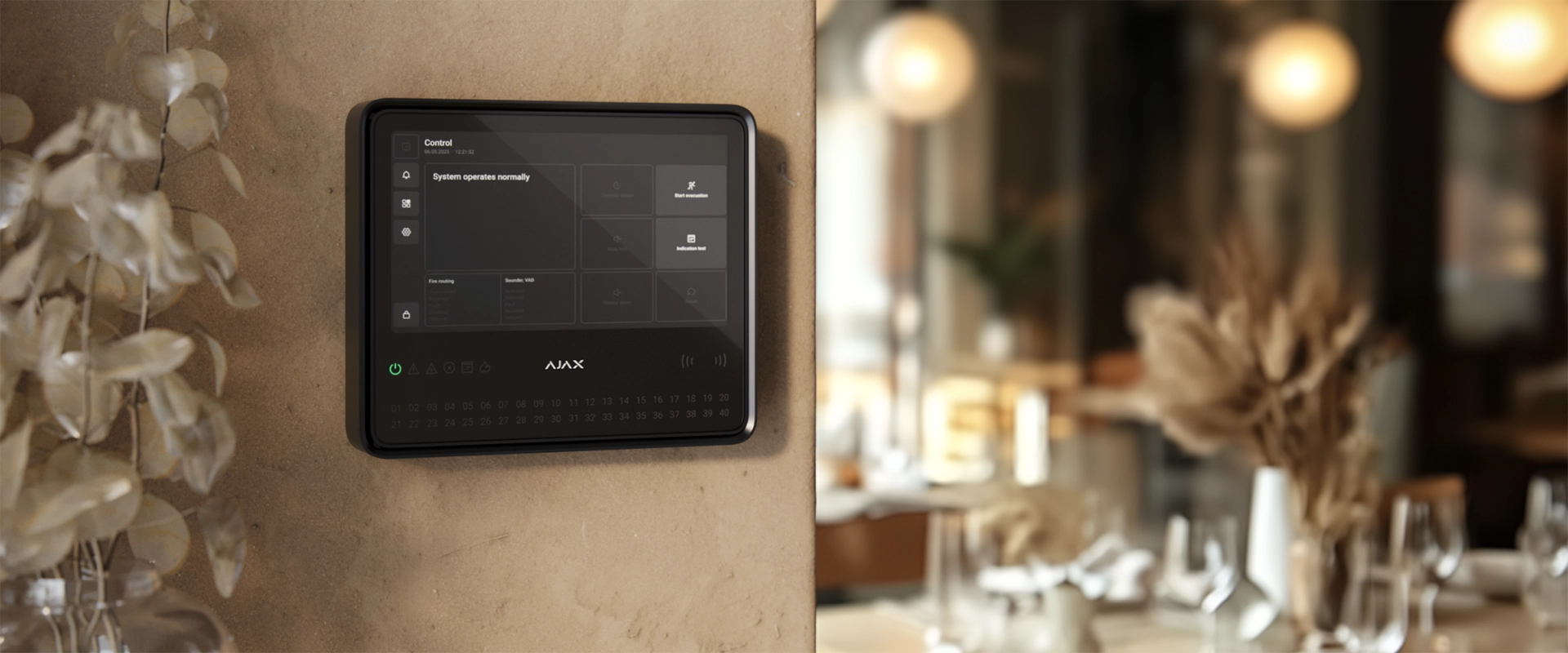
The EN54 Fire Hub Jeweller is the wireless command centre of the system, featuring a 10.1″ touchscreen for intuitive on-site control.
It supports up to 200 devices across 40 zones and ensures continuous connectivity through Ethernet, Wi-Fi, and dual SIM backup.
Uniquely, it combines EN 54-certified fire safety with professional intrusion protection and automation in a single, powerful device.

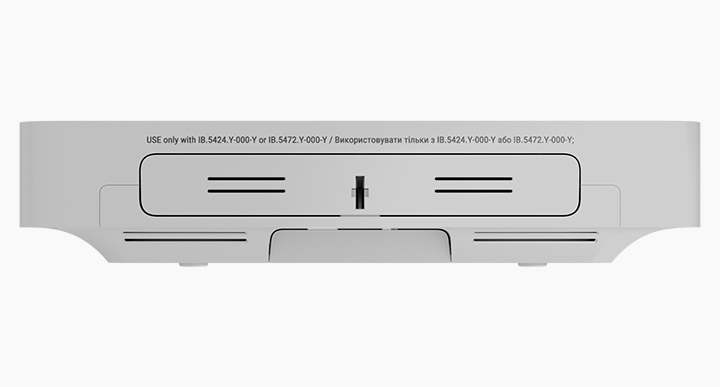

Touchscreen Control
The EN54 Fire Hub Jeweller serves as the intelligent core of the safety network, featuring a large high-resolution touchscreen for effortless system management.
It provides immediate access to alarm locations, event logs, and evacuation protocols, acting as a unified command centre that brings fire safety, intrusion, and automation under one powerful interface.
AJAX Application



The entire system is managed via a suite of completely free applications, eliminating the need for software subscriptions or licensing fees. Ajax PRO (for mobile and desktop) empowers engineers to configure, test, and maintain systems remotely, while the Ajax Security System app gives facility managers real-time visibility and instant alerts directly on their smartphones.
Battery Capacity
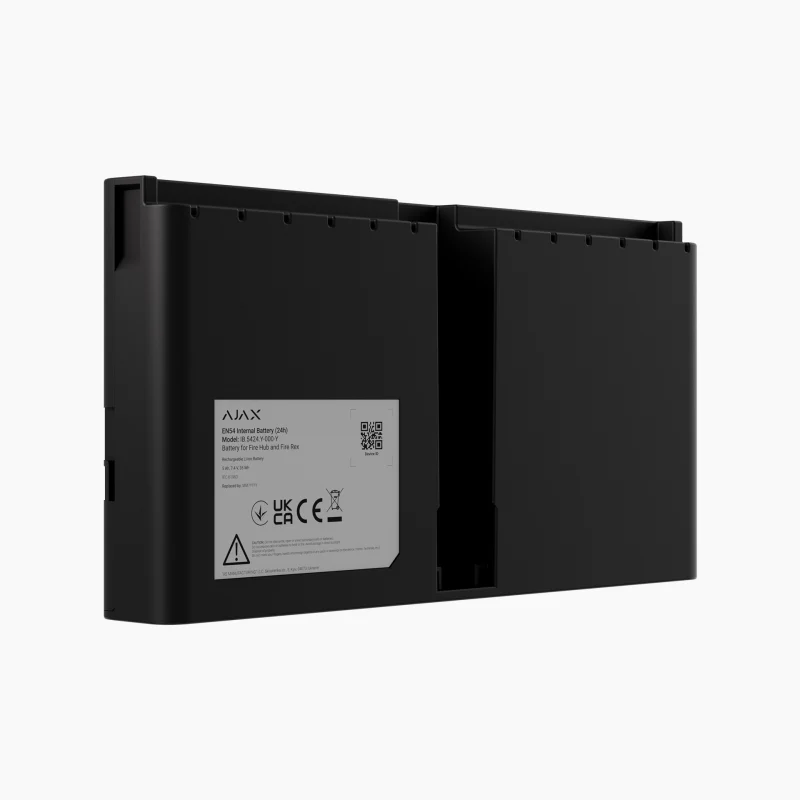

The Hub is designed to ensure continuous operation during power outages, supporting two dedicated Li-ion battery options: a 5 Ah battery for 24-hour backup or a 10 Ah battery for extended 72-hour autonomy.
Crucially, these batteries are hot-swappable, allowing them to be replaced quickly without powering down the system, ensuring uninterrupted fire safety protection at all times.
Cable Glandbox
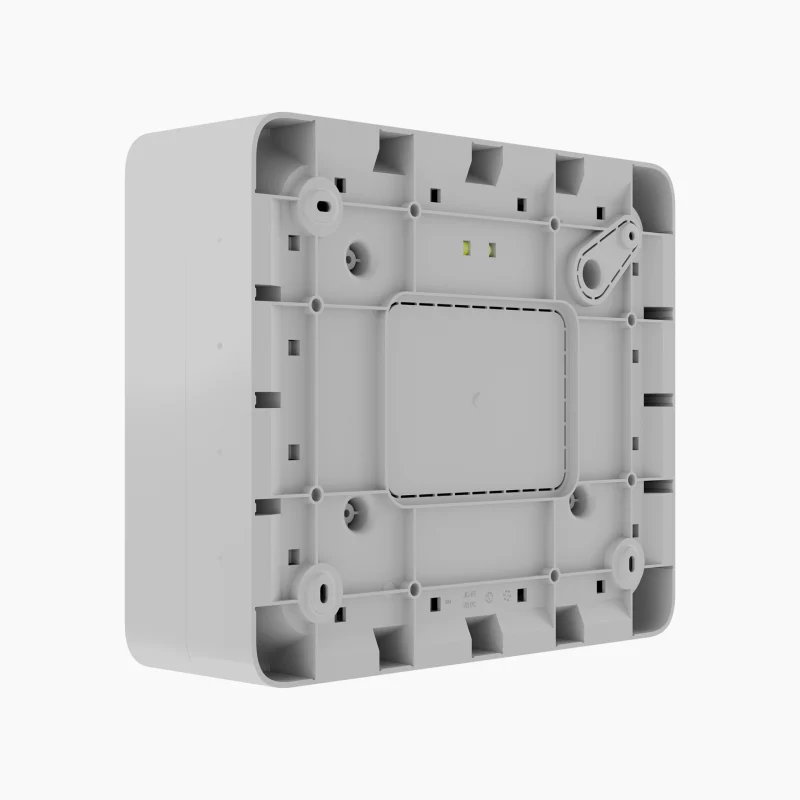

The GlandBox is a dedicated accessory designed to streamline the installation of the Fire Hub and Fire ReX.
It provides a secure, professional enclosure for routing mains and signal cables, featuring 16 configurable entry points for standard 20mm glands.
This ensures a neat, compliant finish for surface-mounted cabling without the need to drill into the main device enclosure.
Colours
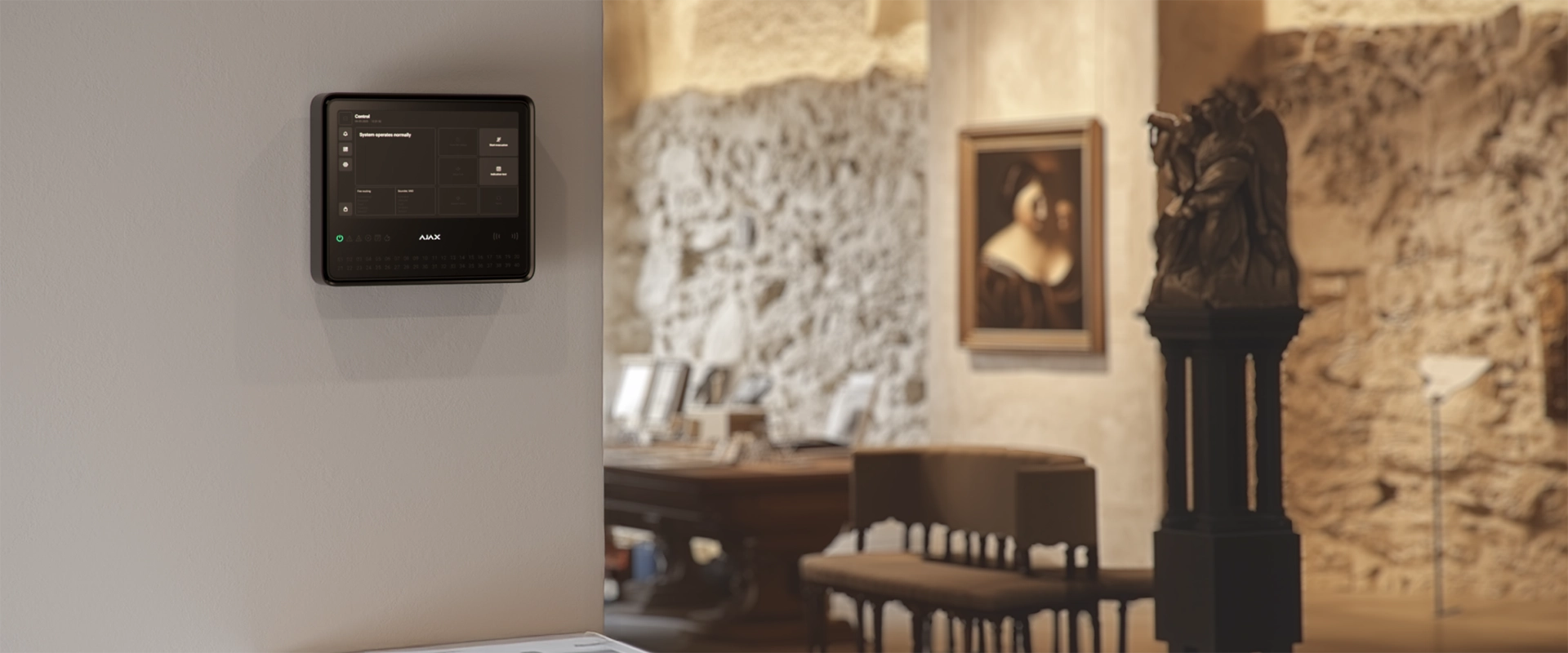
To ensure the system complements various architectural styles, the EN54 Fire Hub and devices are available in two classic finishes: white and black.


Cloud-based system supervision
- Ethernet
- Ethernet provides the primary high-speed link.
- Wi-Fi
- Wi-Fi offers a flexible wireless alternative
- SIM
- The Hub is equipped with dual SIM slots (2G/4G LTE) that automatically take over if the internet connection is lost, ensuring instant alarm transmission and remote accessibility are never compromised
The EN54 Fire Hub ensures continuous interaction with the Ajax Cloud by utilising four independent communication channels.
Seamless integration
The Hub acts as the central brain of the entire safety ecosystem, effortlessly bridging the gap between fire safety, intrusion protection, video surveillance, and automation.
By managing these distinct systems within a single device, the Hub enables intelligent cross-device scenarios (e.g. automatically unlocking exits or cutting power during a fire alarm) ensuring a coordinated, instant response to any threat from one unified platform.
Installation recommendations
The device is designed for indoor use only. Use GlandBox if power and signal cables are not routed inside the wall. The device operating voltage is 110–240 V~.
Approvals



The EN54 Fire Hub Jeweller is fully certified to EN 54-25, the strict standard that validates wireless integrity as equal to wired infrastructure. This certification confirms that the Hub’s built-in radio communicators deliver secure, encrypted data transmission with robust interference immunity. By actively monitoring connection stability and utilising frequency hopping, the Hub guarantees that every alarm signal is received instantly, proving that wireless convenience does not come at the cost of life-safety reliability.
Tech Specs
| Devices | 200 up to 10 intrusion sirens; up to 50 keypads with a built-in buzzer; up to 5 EN54 Fire ReX Jeweller range extenders. |
| Fire Zones | 40 |
| AJAX NVR’s | 36 |
| AJAX Cameras | 224 via Ajax NVRs and up to 492 standalone |
| Third-party IP Cameras | Up to 10 when using RTSP via SDK up to 224 when using ONVIF via Ajax NVRs |
| Users | 200 Any number of admin users within the CIE limit. PRO accounts for installers. PRO accounts for installation and monitoring companies. Access management for users. |
| Automation Scenarios | 64 By alarm. By schedule. By arming/disarming. By temperature, humidity, CO2 concentration. By pressing Button. By touching LightSwitch. |
| Rooms | 80 |
| Event Log | 5000 events Fire alarm system events. Can be viewed on the CIE display. Events are saved on the non-volatile onboard flash memory. 500 events Fire alarm, intrusion, and other system events. Can be viewed in the events feed in Ajax apps. |
| Communication | Jeweller communication technology Wings communication technology |
| Frequency Bands | Jeweller: 866.0–866.5 MHz 868.0–868.6 MHz 868.7–869.2 MHz 905.0–926.5 MHz 915.85–926.5 MHz 921.0–922.0 MHz Wings: 866.0–866.5 MHz 868.0–868.6 MHz 868.7–869.2 MHz 905.0–926.5 MHz 915.85–926.5 MHz 921.0–922.0 MHz |
| Maximum Effective Radiated Power (ERP) | Jeweller: up to 20 mW |
| Radio Signal Modulation | Jeweller: GFSK |
| Radio Communication Range | 1800m |
| Encrypted communication | All stored and transmitted data are protected by block encryption featuring a dynamic key. |
| Frequency Hopping | To prevent radio interference and jamming. |
| Ethernet | 1 8P8C socket 100 Mbps. |
| Cellular | 2 micro-SIM slots |
| Cellular Frequencies | 2G GSM900/DCS1800 (B3/B8) 4G (LTE) FDD B1/B3/B5/B7/B8/B20 |
| Wi-Fi | 802.11 b/g/n module 72 Mbps. |
| Automatic Switching Between Communication Channels | Instant switching between Ethernet, Wi-Fi, and SIM. Instant switching between 4G (LTE), 3G, and 2G networks of one SIM. Switching between SIMs takes up to 4 minutes. |
| Communication Channels Prioritisation | 1. Ethernet 2. Wi-Fi 3. Cellular connection Communication channels work in parallel to increase the system’s reliability. Most of the data is transmitted via Ethernet. |
| Supported Notification Types | Push notifications SMS Calls |
| Event Types | Alarms Video alerts Faults (for fire alarm devices) Malfunctions (for other Ajax devices) Security state change System events Non-security alerts Automation devices Smart lock events Doorbell ringing |
| Supported Protocols | SIA (DC-09) SurGard (Contact ID) |
| Event Types | System alarms and events Panic button coordinates Photo verification |
| Indication of Fire Alarms and Faults | Display LED indicators Sound LEDs on the front panel of the control panel and the built-in buzzer notify users of fire alarms in zones, faults, and system states. In case of fire, the CIE also activates visual alarm devices and fire alarm sounders. The CIE display also shows system states and detailed alarm information. |
| Fire Alarm Control | Start evacuation Reset Mute Buzzer Silence / Resound sounders Override delays (coming soon) Indication test Users with appropriate rights can manage the fire alarm system via these options. |
| Fire Alarm System Settings | Users with appropriate rights can configure all fire alarm system settings via the CIE. |
| Event Log | 5000 events. |
| Photo Verification Types | Photo by alarm Photo by scenario Photo on demand Photo by schedule Photo by arming/disarming |
| Photo Response Time | 9 seconds |
| Photo Resolution | 960px × 720px |
| Number of Photos in a Series | 5 |
| User Authorisation | To manage the fire alarm system via the CIE touch screen, the user must log in by entering a code or presenting a personal access device. |
| Control | Codes Tag key fobs (coming soon) Pass cards (coming soon) |
| Contactless Access (coming soon) | DESFire® EV1, EV2 ISO14443-А (13.56 MHz) |
| Access Codes | 200 |
| Duress Codes | 200 |
| Built-in Buzzer | Alarms: 60 dB/m Faults: 50 dB/m |
| LED Indication | Red For fire alarms. Yellow For device faults, tests, and disablements. Green For power supply status. |
| Special Tool (key) | The special tool is used to unlock the housing and replace the internal battery or dismantle the device from the SmartBracket mounting panel. The battery is not included in the CIE complete set. |
| Diagonal Display | 10.1″ |
| Matrix Type | IPS |
| Display Resolution | 1024px × 600px |
| Display Sensor | Capacitive |
| Backlight Settings | Manually adjustable in the CIE on-screen settings. |
| Interface Language | Configurable via the CIE touch screen or in the CIE settings in Ajax apps. |
| Output 1 | Relay output for alerting the monitoring company in case of a system fault. Contact state is normally closed (NC) by default. |
| Output 2 | Relay output for alerting the monitoring company in case of a fire alarm. Contact state is normally open (NO) by default. |
| Operating Mode | Bistable |
| External Power Supply | 10–30 V⎓ |
| Energy Consumption | 60 W |
| Maximum Resistive Load | 2A/30V⎓ |
| Maximum Inductive/Capacitive Load | 2A/30V⎓ |
| Tamper Button | Notifications about the fault on attempts to detach the device from the surface or remove the mounting panel. |
| Protection Against Spoofing | Device authentication |
| Connection Loss Detection | After 36 s |
| External | 110–240 V, 50/60 Hz Up to 0.48 A of mains power consumption. |
| Internal | 7.4 V⎓, 5 Ah/10 Ah Rechargeable Li-ion battery not included in the complete set: EN54 Internal Battery (24h) or EN54 Internal Battery (72h). |
| Autonomous operation | 24 hours On EN54 Internal Battery (24h) not included in the complete set. Battery life is based on display activation only when tapped, using W-Fi, Ethernet, and cellular (LTE) communication channels. 72 hours On EN54 Internal Battery (72h) not included in the complete set. Battery life is based on display activation only when tapped, using W-Fi, Ethernet, and cellular (LTE) communication channels. |
| Dimensions (W x H x D) | 263mm × 223mm × 54mm |
| Weight | 1526g |
| Operating Temperature Range | -10 °C to +40 °C |
| Operating Humidity | 75% non-condensing |
| Protection Class | IP20 |
| Flammability Rating | UL 94 V-0 |
| Colour | Black, White |
| Complete Set | EN54 Fire Hub Jeweller SmartBracket mounting panel Installation kit Ethernet cable Special tool (key) Quick start guide |
Downloads
Buy
Contact us to receive competitive trade discounts or apply online for a credit account.