


Key Features
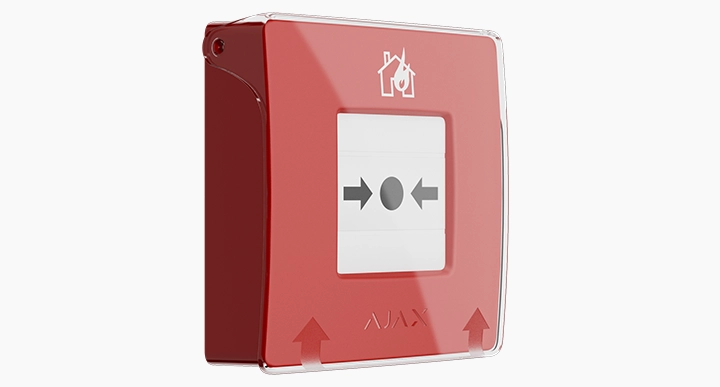
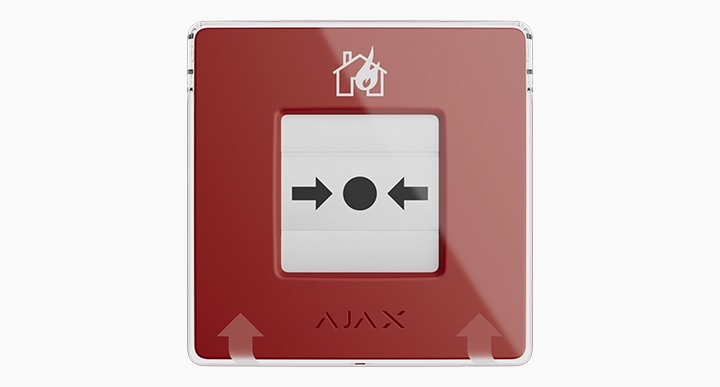
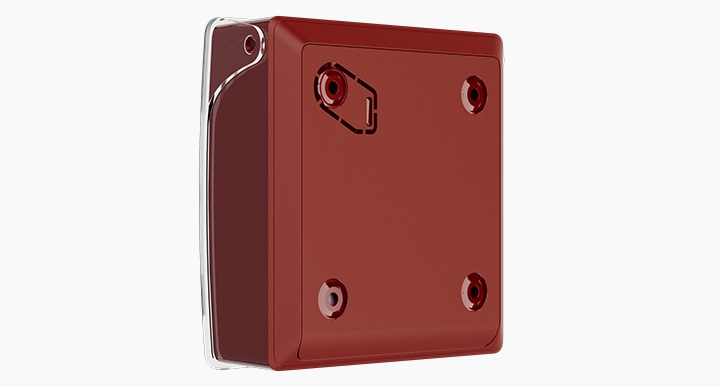
- Jeweller Radio Communication
- In-App Notifications
- Extensive battery life
- Precise Button Mechanism
- Interacts with AJAX surveillance devices
Overview
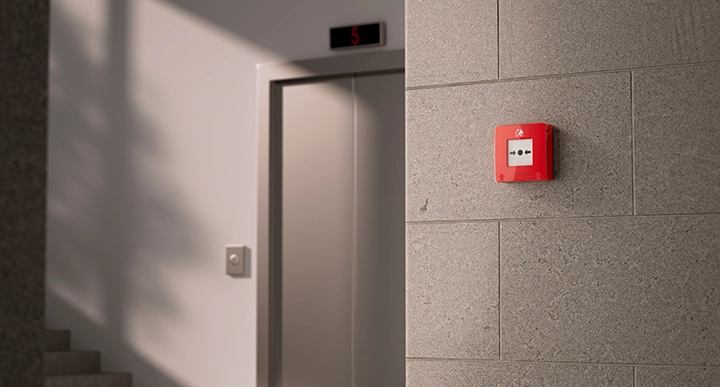
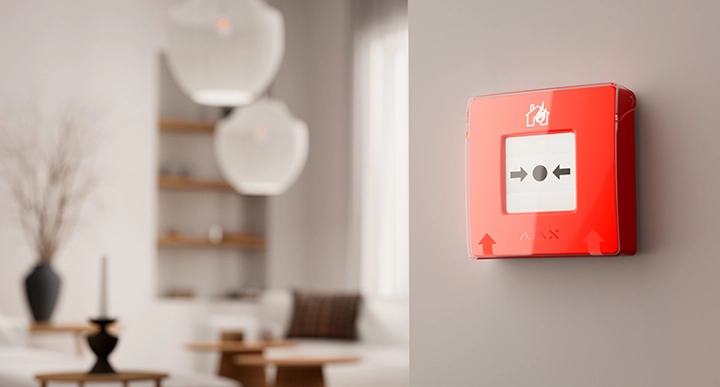
The Ajax ManualCallPoint (Red) Jeweller is a wireless, resettable emergency button designed to instantly trigger fire alarms and automation scenarios within an Ajax system.
Upon activation, it notifies users and monitoring stations while simultaneously enabling programmed safety measures like unlocking doors or cutting power.
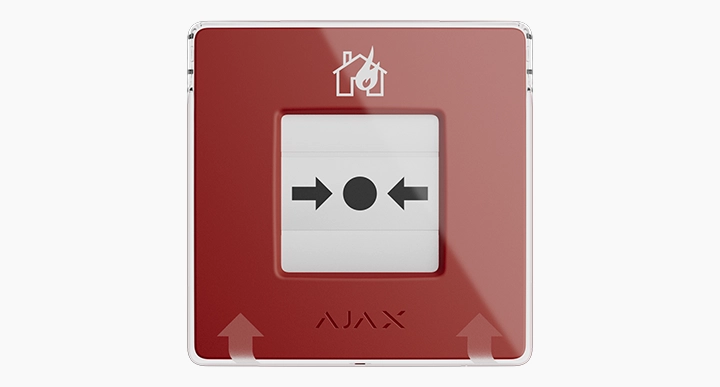
Built for reliability, it features a 1700m communication range, up to 7 years of battery life, and a protective lid to prevent accidental alarms, all while meeting rigorous EN54 safety standards.
Device Supervision & Early Warning
The Ajax ManualCallPoint (Red) Jeweller is engineered for absolute reliability, utilising a simplified, solid-state hardware mechanism designed to prevent physical sticking or failure across more than 500 presses.
In an emergency, a single press triggers a comprehensive alert strategy: it activates sirens across all interconnected fire and intrusion detectors while simultaneously sending critical alarms to both users and the central monitoring station.
As a fully supervised IoT device, it performs automatic self-diagnosis and communicates with the hub every minute, ensuring any technical issues are reported instantly via the Ajax app.
Interconnected Alert System
The Manual Call Point integrates seamlessly with the wider ecosystem to turn a simple alarm into a comprehensive emergency response.
Through customisable scenarios, an activation can trigger automation devices to de-energise the property, turn on emergency lighting, and unlock electric locks for a safe evacuation.
To provide immediate clarity, MotionCam (PhOD) detectors and surveillance cameras can be programmed to send visual evidence directly to the Ajax app, allowing users and monitoring stations to identify the cause of the fire in real time.
Installation & Maintenance
Designed for effortless deployment, the MCP is ready to operate straight out of the box without the need for disassembly during installation.

It integrates quickly into the system via the Ajax app, which also allows for remote reconfiguration, eliminating the need for unnecessary site visits.
Maintenance is equally streamlined, as the device’s automatic self-test system removes the requirement for manual testing, while a dedicated key is included for a quick reset after the button has been pressed.
Approvals



Compliant with EN54-11 and EN54-25.
Tech Specs
| Communication | Jeweller Communication Technology |
| Frequency Bands | 866.0–866.5 MHz 868.0–868.6 MHz 868.7–869.2 MHz 905.0–926.5 MHz 915.85–926.5 MHz 921.0–922.0 MHz |
| Maximum Effective Radiated Power (ERP) | 25mW |
| Radio Signal Modulation | GFSK |
| Radio Signal Range | 1700m |
| Encrypted Communication | All stored and transmitted data is protected by block encryption featuring a dynamic key. |
| Frequency Hopping | To prevent radio interference and jamming. |
| Resettable Frangible Element | Activates the button When the central part (frangible element) is pressed, the button depresses inward, triggering an alarm or initiating a scenario. Two yellow stripes appear at the top and bottom, indicating the device’s state. |
| Operating Modes | Fire alarm Scenario trigger Auxiliary alarm Panic button Gas leak alarm Malfunction alert Water leak alarm |
| LED Status Indication | Fire alarm Malfunctions |
| Interconnected Fire Detectors Alarms | By pressing the Button. By pressing the frangible element, fire detectors in the system trigger the built-in sirens. |
| Critical Alerts | The system can activate intrusion sirens and send audible alarm notifications to users, even if the sound is muted, the Do Not Disturb mode is on, or headphones are connected. |
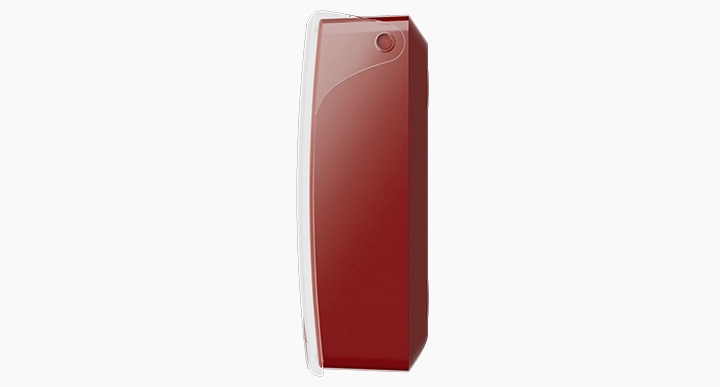
| Protection Against Accidental Presses | Lift the transparent lid to access the frangible element. The lid protects against false button presses. |
| Alarm Transmission to CMS | Can be disabled. |
| Button Reset | After pressing To reset the button, insert the special tool into the corresponding hole. |
| Hole In The Enclosure | To hang on a ring from a keychain. The person responsible for fire safety can carry the special tool on their keychain. |
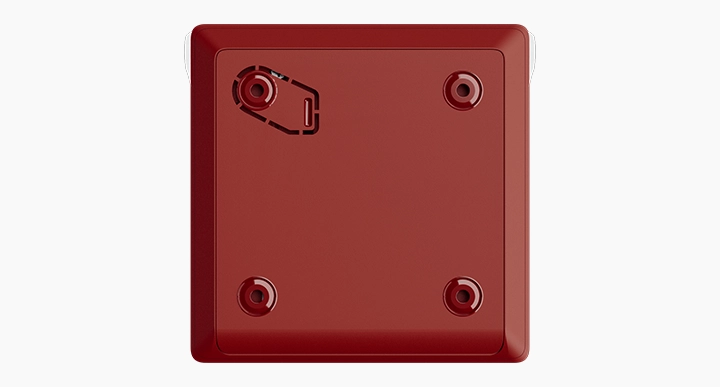
| Convenient Dismantling | The special tool opens the lock to dismantle the device from the SmartBracket mounting panel. |
| Tamper Alarm | Notifies on attempts to detach the button from the surface or remove it from the mounting panel. |
| Protection Against Spoofing | Device Authentication |
| Communication Loss Detection | 36s |
| Batteries | 2 × CR123A Pre-installed. With typical use (one press lasting 1 minute per week), the batteries can last up to 7 years. |
| Dimensions (W x H x D ) | 102mm × 104mm × 39 mm |
| Weight | 214g |
| Operating temperature range | 0 °C to +50 °C |
| Operating humidity | 80% |
| Colour | Red |
| Complete set | ManualCallPoint (Red) Jeweller SmartBracket mounting panel Special tool (key) 2 × CR123A battery (pre-installed) Installation kit Quick start guide |
Downloads
Buy
Contact us to receive competitive trade discounts or apply online for a credit account.